Notes
Ideas where you need them
Create notes, organize folders, pin what matters, and find it again fast.
Optional sync through iCloud, based on your settings.
Notes
iOS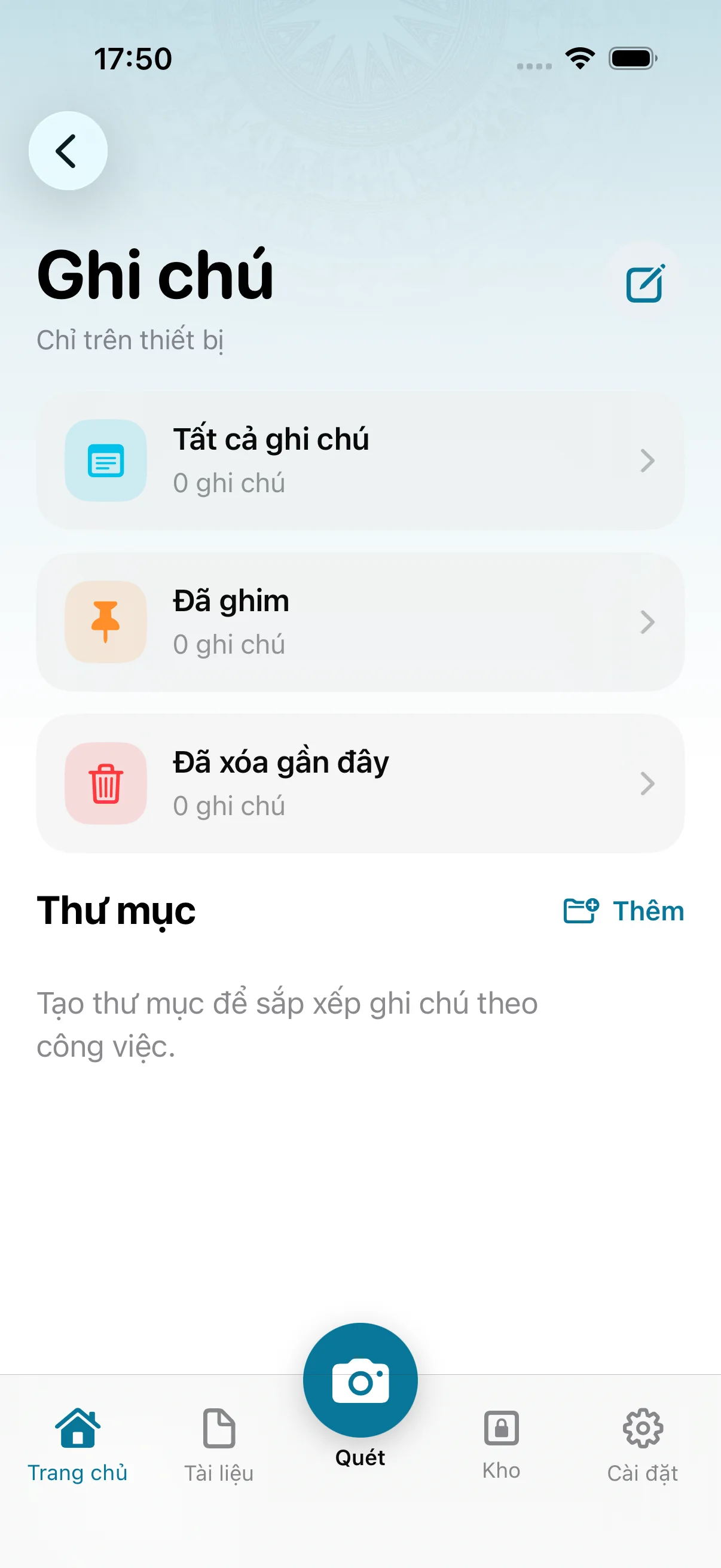
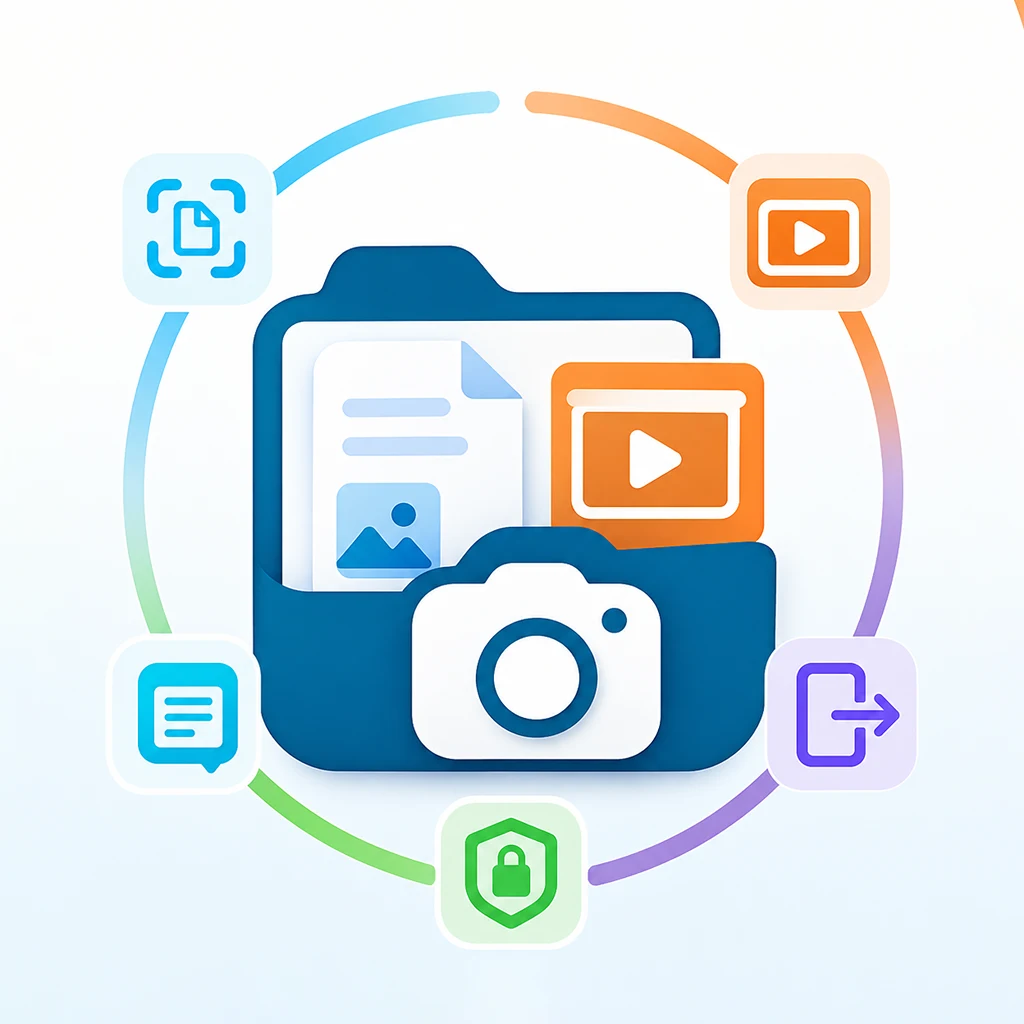
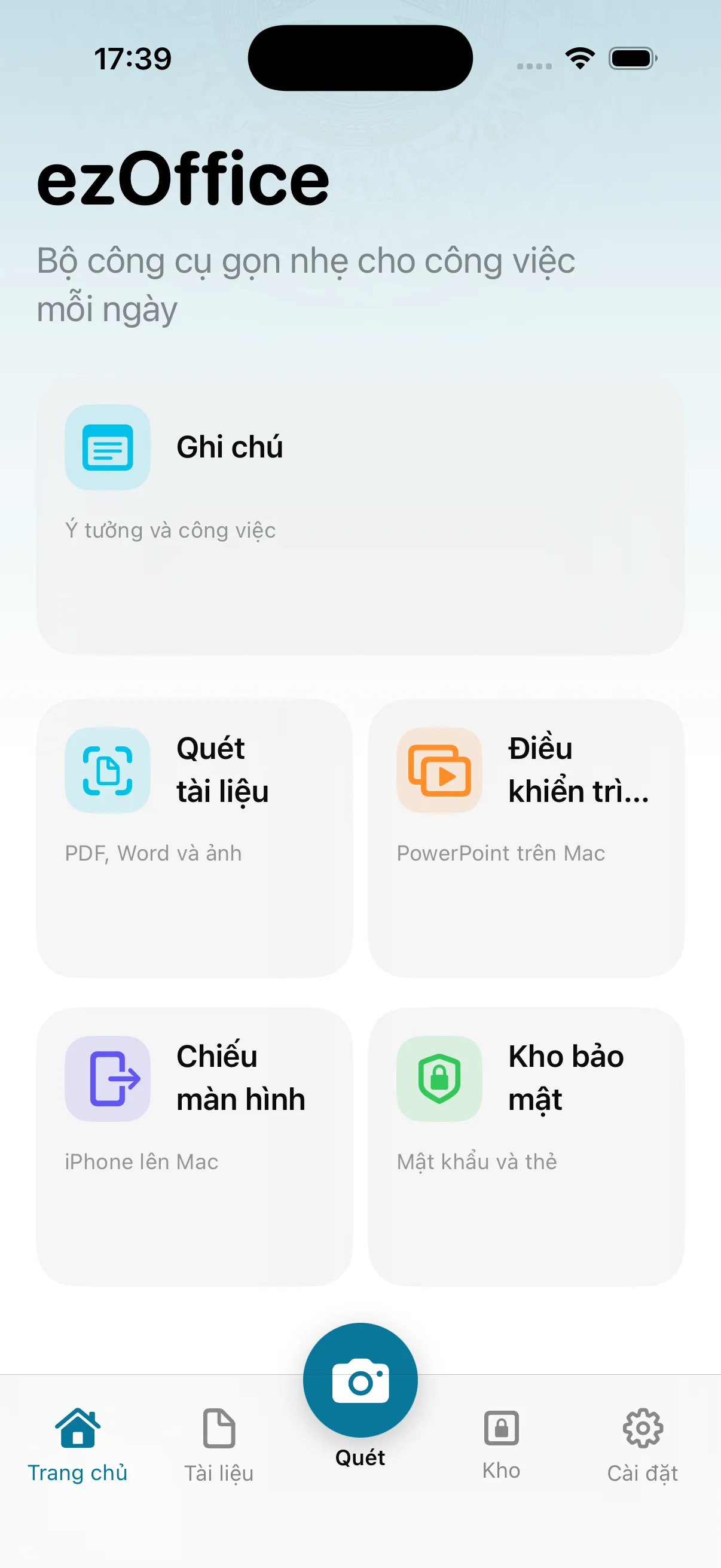
Scan documents, write notes, run presentations, cast your screen, and keep important information safe — on your device.
Scans, notes, and vault content stay off a private server.
Sync when you choose; sensitive data is encrypted first.
Pair nearby devices over the same Wi‑Fi with TLS 1.3.
ezOffice brings common office tasks into one clear, lightweight experience that is easy to start.
Notes
Create notes, organize folders, pin what matters, and find it again fast.
Optional sync through iCloud, based on your settings.
Document scan
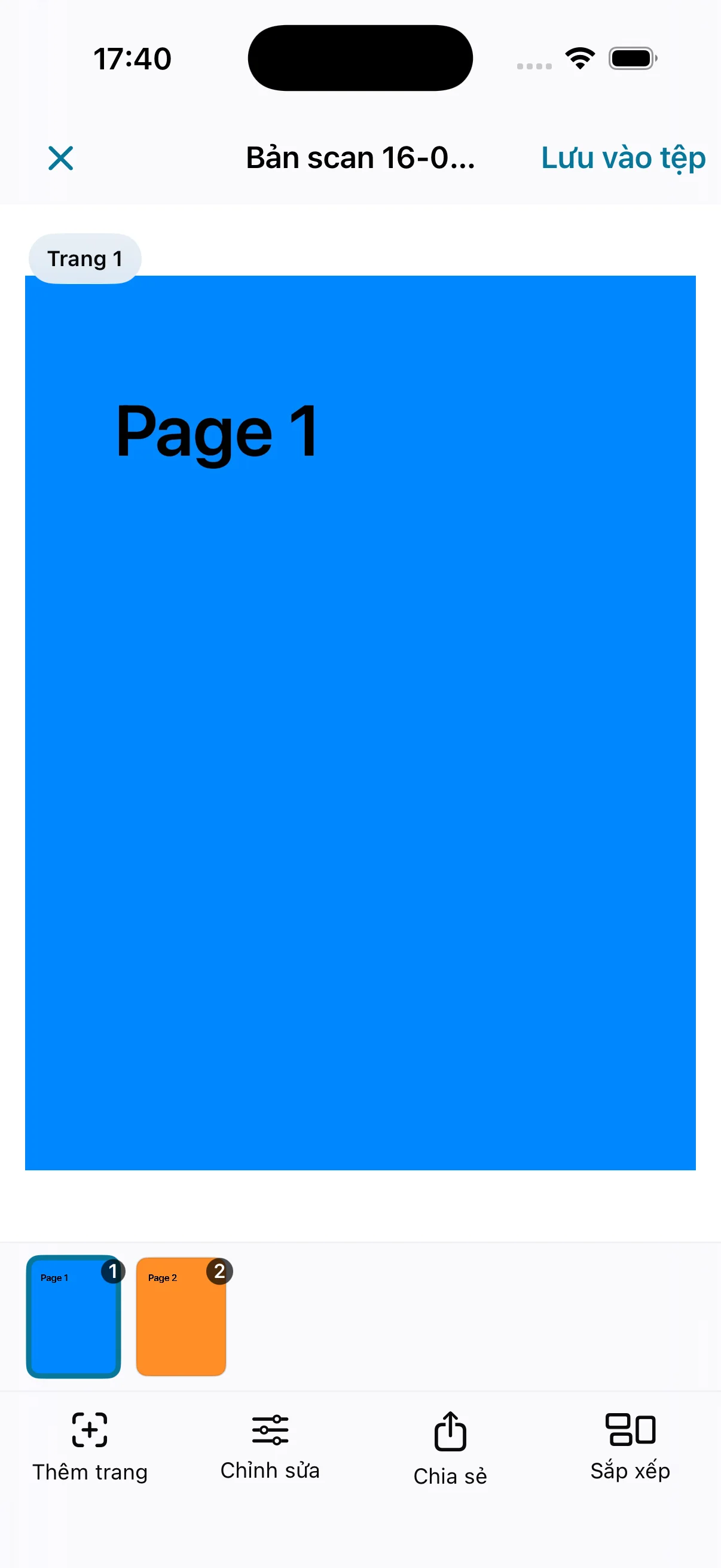
Scan one page or many, detect edges, correct perspective, and tune color.
Export PDF, image-based DOCX, or per-page JPEG files.
Presentation
Start, stop, move forward or back, and jump to a specific slide.
Pair your iPhone with a Mac or Windows computer on the same network.
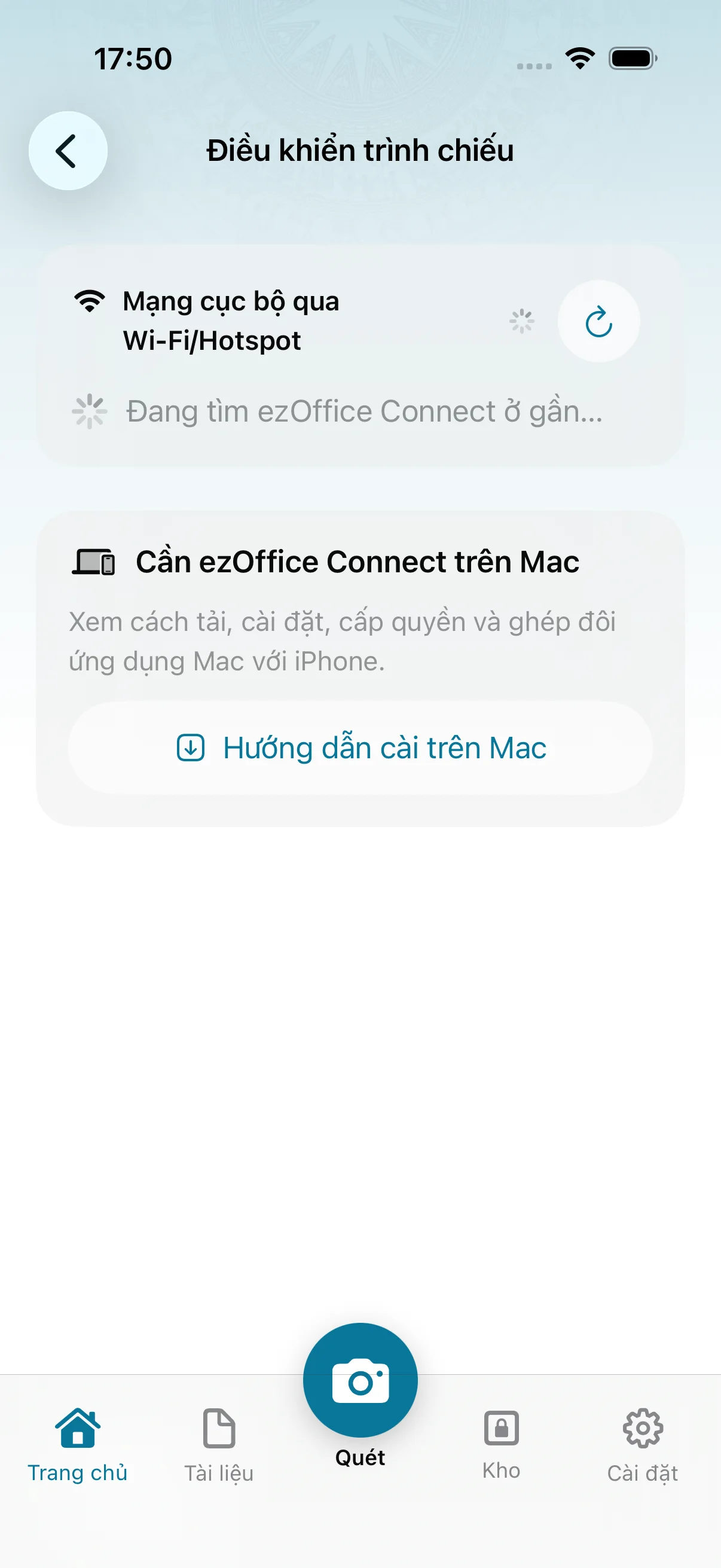
Screen cast
Cast your screen or camera from iPhone and Android to a computer.
A local connection with settings for resolution and frame rate.
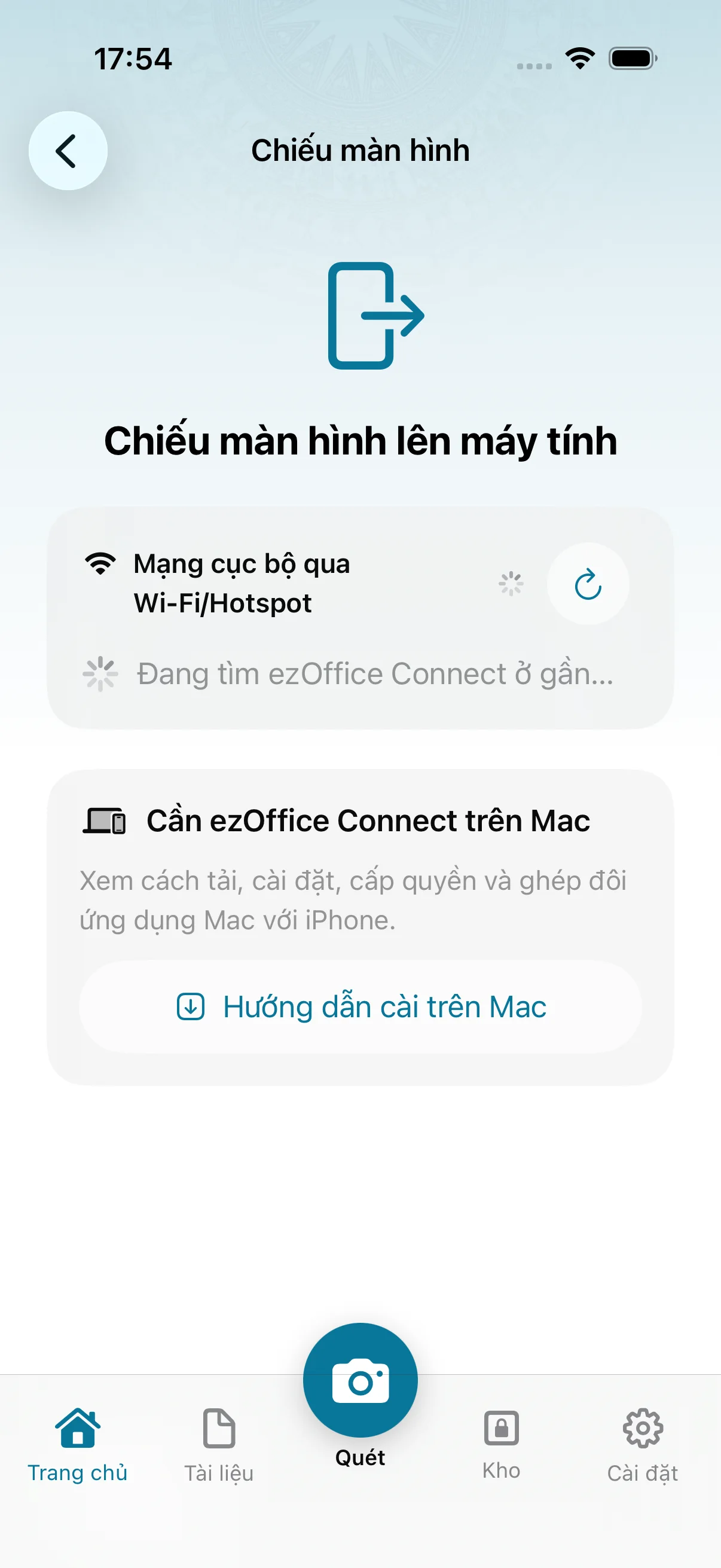
Secure vault
Keep passwords and cards in an encrypted vault protected by a master password or Face ID.
Sensitive data is encrypted before optional iCloud sync.
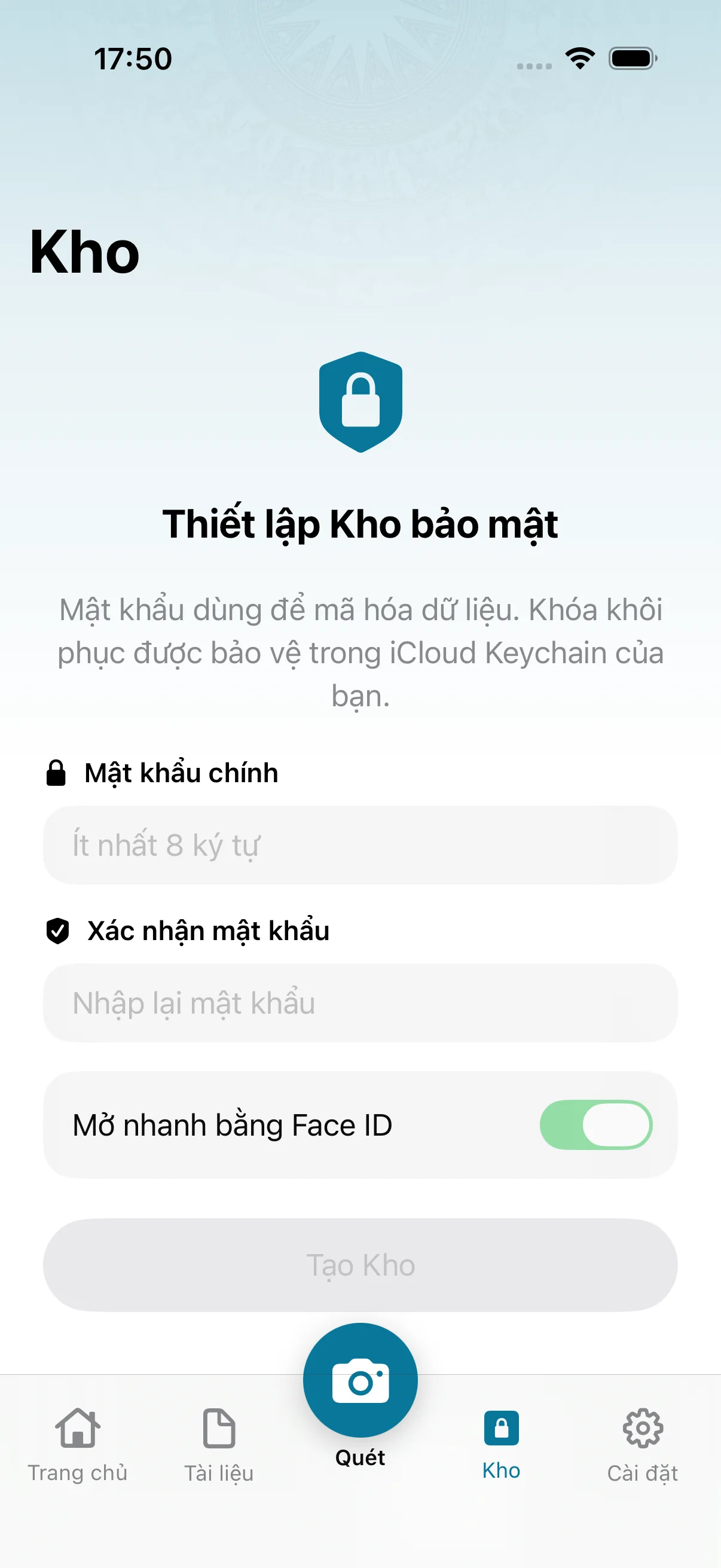
Pair once on your local network, then use your phone to control or cast to your computer when you need it.
ezOffice finds a nearby receiver that is ready.
Confirm with QR and pin the device's TLS connection.
Control a presentation or start casting when needed.
Data protection
Privacy is not a side setting.
ezOffice is designed so core tasks happen on-device, with clear permissions and local connections.
The full toolkit lives on iPhone. Companion apps help Android, Mac, and Windows connect for Remote & Cast.
iOS 18+
Ứng dụng chính của ezOffice.
Available capabilities
Android 10+
Tập trung vào Remote & Cast.
Available capabilities
macOS 14+
Companion ezOffice Connect.
Available capabilities
Windows 10+
Companion ezOffice Connect.
Available capabilities
The v1 landing flow does not require an ezOffice account. iCloud is used only when you enable sync in your own settings.
Yes. Windows runs ezOffice Connect to receive Remote and screen content from iPhone or Android on the same local network.
The current DOCX export is image-based. ezOffice is optimized for flat paper and printed text; curved, heavily reflective, or handwritten pages may need manual correction.
Download buttons are configured per platform. Until an official URL is supplied, a button shows Coming soon instead of pointing to a broken link.
ezOffice
Choose your platform. Official download links will open as soon as they are configured.